Category example
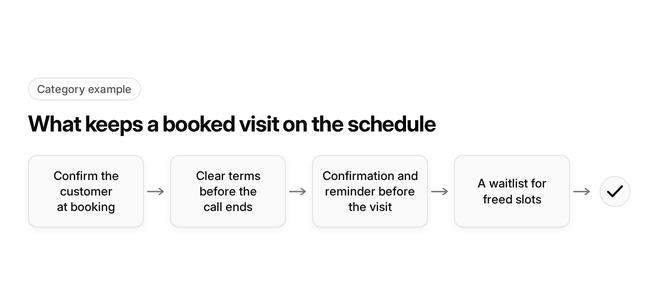
What keeps a booked visit on the schedule
- Confirm the customer at booking
- Clear terms before the call ends
- Confirmation and reminder before the visit
- A waitlist for freed slots
Reducing HVAC no-shows and last-minute cancellations means confirming the booking while the customer is still on the line, making the terms clear, reminding them before the visit, and having a plan for the slot when a cancellation still happens. The moves below run in the order a booking moves through your office, and they end in a confirmation rule set you can use on every job.
By the HVAC Software editorial team. This site is published by FieldCamp. Last updated: November 15, 2026.
Key takeaways
- Treat a no-show and a last-minute cancellation as two different problems and track them separately.
- Most lost visits are decided at booking, not on the day.
- State the cancellation terms in plain language before the call ends.
- Confirm after booking, remind before the visit, and make rescheduling as easy as cancelling.
- Keep a waitlist so a freed slot goes to a customer who wants it.
- Follow up on every no-show the same day.
For the customer messages that go out around a visit, see customer text notifications. For the board where jobs get assigned and moved, see the dispatch board.
Separate no-shows from last-minute cancellations
A no-show and a late cancellation both leave a hole in the day, but they have different causes and different fixes.
- A no-show: The customer is not there, or does not answer, when the technician arrives. The usual causes are a forgotten booking, the wrong decision-maker on the call, or an unclear arrival window.
- A last-minute cancellation: The customer cancels close to the visit. The usual causes are a changed plan, a competing quote or a booking made too far ahead.
- Why the split matters: A no-show is mostly a confirmation problem. A late cancellation is mostly a terms and lead-time problem. Counting them together hides which one you need to fix first.
Qualify the booking while the customer is on the call
The cheapest moment to prevent a no-show is before the call ends.
- Confirm the decision-maker will be there: Ask who will be home or on site, and whether that person can authorize the work. A visit booked by someone who cannot approve it is a likely cancellation.
- Explain what the visit involves: Tell the customer what the technician will do, what a diagnostic visit is and whether a diagnostic fee or deposit applies under your policy. Customers who understand the visit are less likely to drop it.
- Capture the best way to reach them: Record a mobile number and the preferred way to be contacted, so later confirmations reach the right person.
- Repeat the window back: Read the date and arrival window back before ending the call, so there is no doubt about when the technician is coming.
State cancellation terms before the call ends
Customers cancel late more often when nobody told them what a late cancellation means.
- Use plain language: Say how much notice you need to reschedule without a charge, and what happens if the notice is shorter. Keep it to a sentence or two.
- Put the terms in writing: Include the same wording in the booking confirmation, so the customer can find it later.
- Make rescheduling easy: A customer who can move the visit in one reply is less likely to simply not be home. Give a way to reschedule that is as simple as the way they booked.
- Check your local rules before charging: Fees and deposits are governed by local rules and your own policy, so confirm what you may charge before you rely on it.
Confirm, then remind, in a sequence
One message rarely does the job. A short sequence works better, and each step has a purpose.
- Confirm right after booking: Send the date, arrival window, what the visit covers and the cancellation terms, so the booking exists in writing the moment it is made.
- Remind before the visit: Send a reminder ahead of the appointment, with a simple way to confirm or reschedule. Category tools often let the customer reply to confirm or ask to move the visit.
- Send a final heads-up on the day: A last message close to the arrival window catches the customer who forgot.
- Treat silence as information: If a customer does not answer the reminder, the office should call. A booking nobody has confirmed is a booking at risk.
Keep booking windows tight and lead times short
A visit booked far ahead has more time to be forgotten or replaced.
- Offer the nearest realistic slot: Where capacity allows, book service calls and estimates close to the request rather than far out.
- Shrink the arrival window: A tight, clearly stated window is easier for the customer to plan around than an all-day block.
- Re-confirm long-lead bookings: If a booking has to sit far in the future, add an extra confirmation touch partway through the wait.
Fill the slot when a cancellation still happens
Even a good process loses some visits. What matters is whether the slot is wasted.
- Keep a waitlist: Keep a list of customers who want an earlier visit, so a cancellation can be offered to someone who is ready to take it.
- Set a cutoff for unconfirmed bookings: Decide the hour by which a booking must be confirmed, and release or call on the ones that are not.
- Let a person make the call: The dispatcher decides whether to move a nearby job up, split a gap between two jobs or leave the time open.
Follow up on every no-show
A no-show handled well can still become a rebooked visit.
- Call the same day: Reach the customer while the missed visit is fresh, find out what happened and offer a new time.
- Apply your terms consistently: Apply the terms you stated at booking the same way every time, so they feel fair rather than arbitrary.
- Record the reason: Note why the visit failed, such as forgot, wrong contact or changed plan, so the pattern shows up in your review.
How do you measure no-shows and cancellations?
Count no-shows and last-minute cancellations separately, then break each one down by job type, booking source and how far ahead the visit was booked. Review the breakdown weekly. A shop-wide total can hide one job type, one source or one long lead time that causes most of the losses.
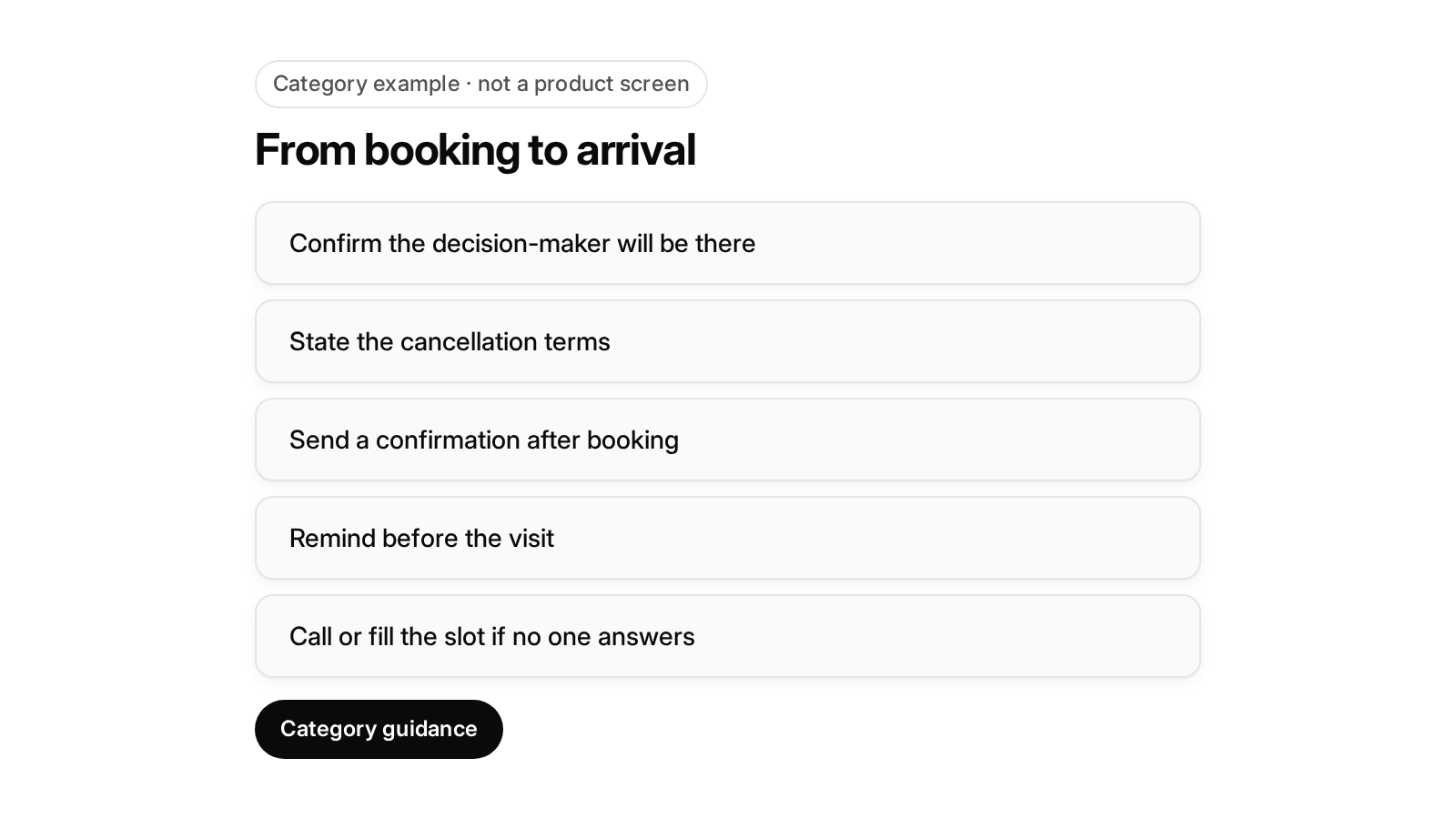
Diagram details
- Category example · not a product screen
- From booking to arrival
- Confirm the decision-maker will be there
- State the cancellation terms
- Send a confirmation after booking
- Remind before the visit
- Call or fill the slot if no one answers
- Category guidance
The confirmation rule set for common HVAC booking types
Each section above becomes a step your office applies to a booking. This rule set shows how the steps change across five common booking types.
This is category guidance, not any one product. Match the steps to your own policy and local rules.
| Booking type | Confirm at booking | Terms to state | Reminder step | If there is no response |
|---|---|---|---|---|
| Booking typeResidential repair call | Confirm at bookingDecision-maker will be home; best contact number | Terms to stateNotice needed to reschedule; any diagnostic fee under your policy | Reminder stepReminder before the visit with a way to confirm or reschedule | If there is no responseOffice calls before the technician leaves |
| Booking typeEstimate or replacement quote | Confirm at bookingAll decision-makers who will attend; what the visit covers | Terms to stateNotice needed to reschedule | Reminder stepReminder before the visit; final heads-up on the day | If there is no responseCall, then offer the slot to the waitlist |
| Booking typeMaintenance visit | Confirm at bookingUnits covered; access to every unit | Terms to stateAgreement terms for missed visits | Reminder stepReminder ahead of the visit with the arrival window | If there is no responseCall and rebook within the agreement window |
| Booking typeCommercial service call | Confirm at bookingOn-site contact; access and permissions; who authorizes the work | Terms to stateNotice needed to reschedule; who is billed for a missed visit | Reminder stepReminder to the on-site contact and the requester | If there is no responseCall both contacts before the technician leaves |
| Booking typeRescheduled or moved job | Confirm at bookingNew window confirmed back to the customer | Terms to stateSame terms, restated | Reminder stepConfirmation of the new time | If there is no responseCall before the new window opens |
What changes for commercial and multi-site jobs?
On commercial work, the person who booked the visit is often not the person who lets the technician in. A tenant who never heard about the visit, a locked gate or a missing on-site contact can all end a visit before it starts. Treat these as scheduling inputs:
- Record an on-site contact, not just the requester: The job should name who will meet the technician, and that person should receive the confirmation too.
- Confirm access before the visit: Gate codes, rooftop access and site permissions belong on the job record, with a check the day before.
- Settle who authorizes and pays up front: Know whether the property manager or the tenant approves the work, so a missed visit does not turn into a billing dispute.
Running residential and commercial work in one schedule only works when these steps exist for both kinds of job.
Where does FieldCamp fit?
FieldCamp fits contractors running residential and commercial work in one system, with a person still deciding the day. Here is what FieldCamp does today, and what to ask in a demo.
This site is published by FieldCamp.
- On the dispatch board: When your dispatcher drags a job onto a technician, the board checks skills, drive time and schedule conflicts, and the dispatcher confirms the assignment.
- For the customer: The customer gets a text when a job is assigned or moved.
- For the technician: A technician’s assigned jobs and schedule show on their phone.
- One record: Each job stays on one record from the first call to the paid invoice.
- Residential and Commercial Together: Residential service calls and commercial maintenance work run in one system, not two.
- Who decides: A person still decides the day. Assignment stays a decision the dispatcher makes.
- This page does not describe, as FieldCamp features, booking confirmations, appointment reminders, reply-to-confirm or reschedule messages, cancellation terms or fees in messages, deposits, waitlists or freed-slot offers, no-show or cancellation tracking, reports by job type or booking source, on-site contact messages for commercial jobs, or any integration. If you also need those, ask which vendors provide them and what status triggers each one. FieldCamp's confirmed texts are the ones sent when a job is assigned or moved.
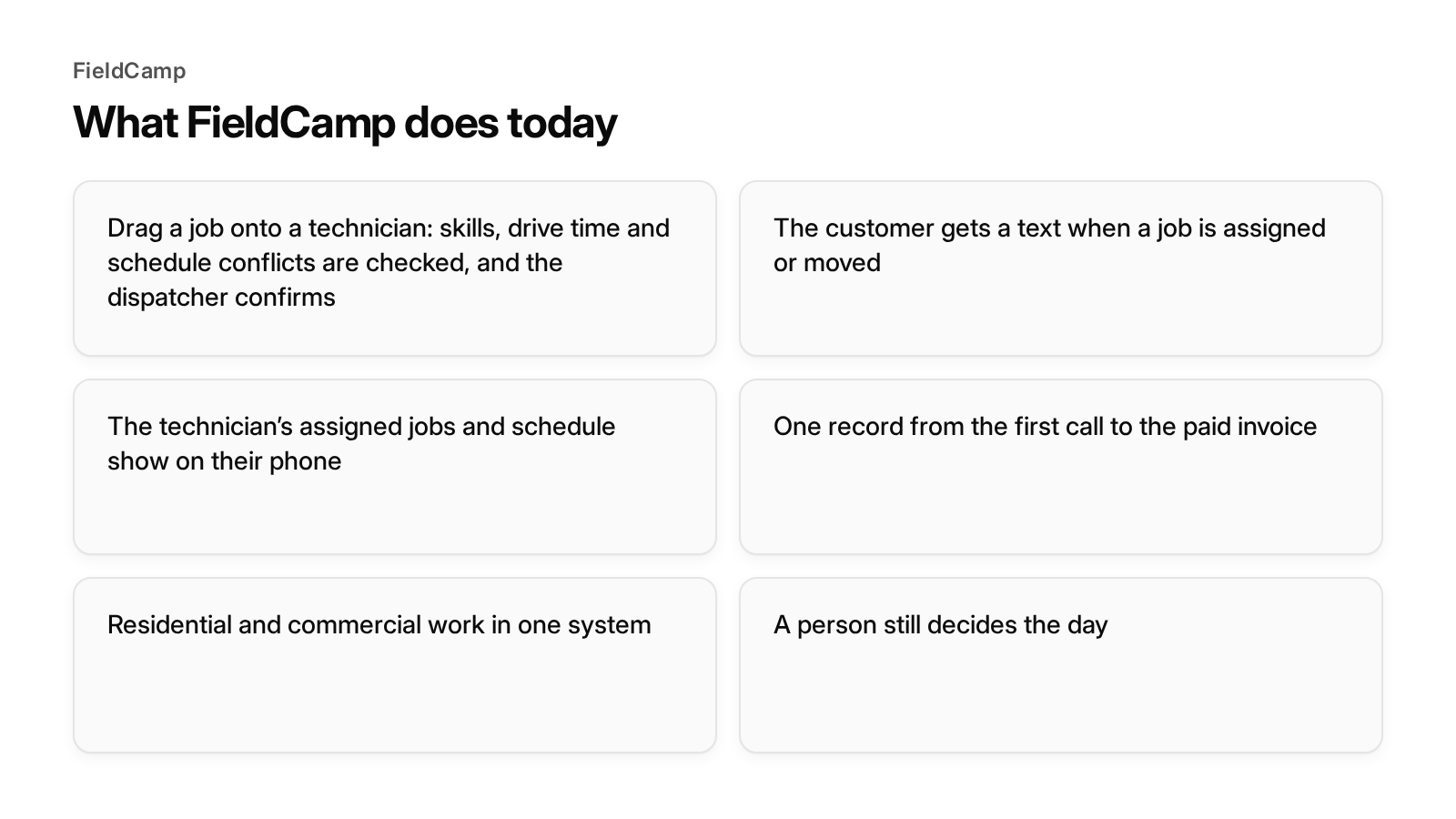
Diagram details
- FieldCamp
- What FieldCamp does today
- Drag a job onto a technician: skills, drive time and schedule conflicts are checked, and the dispatcher confirms
- The customer gets a text when a job is assigned or moved
- The technician’s assigned jobs and schedule show on their phone
- One record from the first call to the paid invoice
- Residential and commercial work in one system
- A person still decides the day
Book a demo and bring your current schedule to the demo.
Frequently asked questions
How to reduce no shows and cancellations?
Confirm the booking while the customer is on the call, state your cancellation terms in plain language, send a confirmation after booking and a reminder before the visit, and make rescheduling as easy as cancelling. Keep booking windows tight, keep a waitlist for freed slots and follow up on every no-show the same day.
How to decrease no show appointments?
Most no-shows come from a forgotten booking, the wrong contact or an unclear arrival window. Read the window back at booking, record the right contact, remind the customer before the visit and call anyone who does not answer. Track no-shows by job type so you can see where they cluster.
Can you bill for no show appointments?
It depends on your own policy and your local rules. If you charge for a missed visit, state the terms to the customer at booking and repeat them in the confirmation, and apply them the same way each time. Check what you may charge in your area before you rely on a fee.
How does scheduling reduce last-minute cancellations?
Scheduling decides how far ahead a visit is booked, how tight the arrival window is and whether a freed slot is filled. Shorter lead times, tight windows and a waitlist all reduce the cost of a late cancellation. If you move a visit, tell the customer the new time so the change never becomes a surprise.
Final recommendation
Treat no-shows and last-minute cancellations as two problems and fix them in the order a booking moves through your office. Qualify the booking on the call, state the terms, confirm and remind, keep windows tight, fill freed slots from a waitlist and follow up on every miss. Then compare any dispatch tool on whether it supports each step, and ask for each one in a demo.