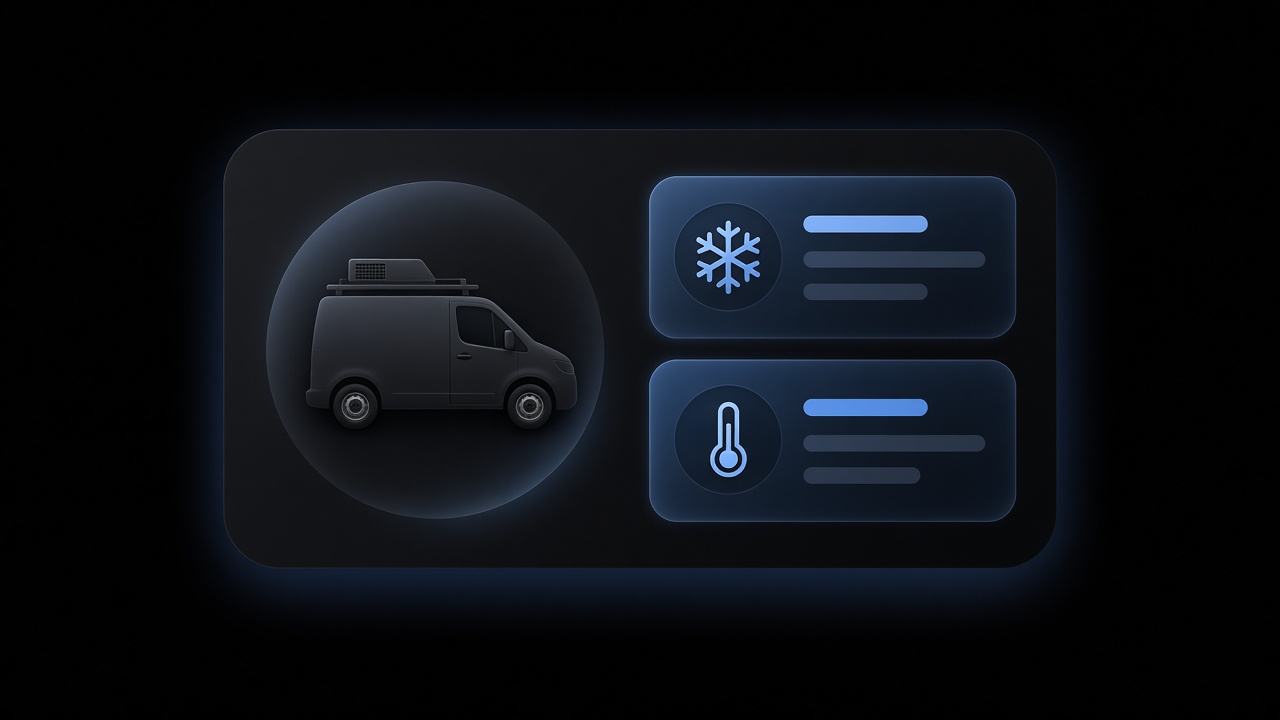
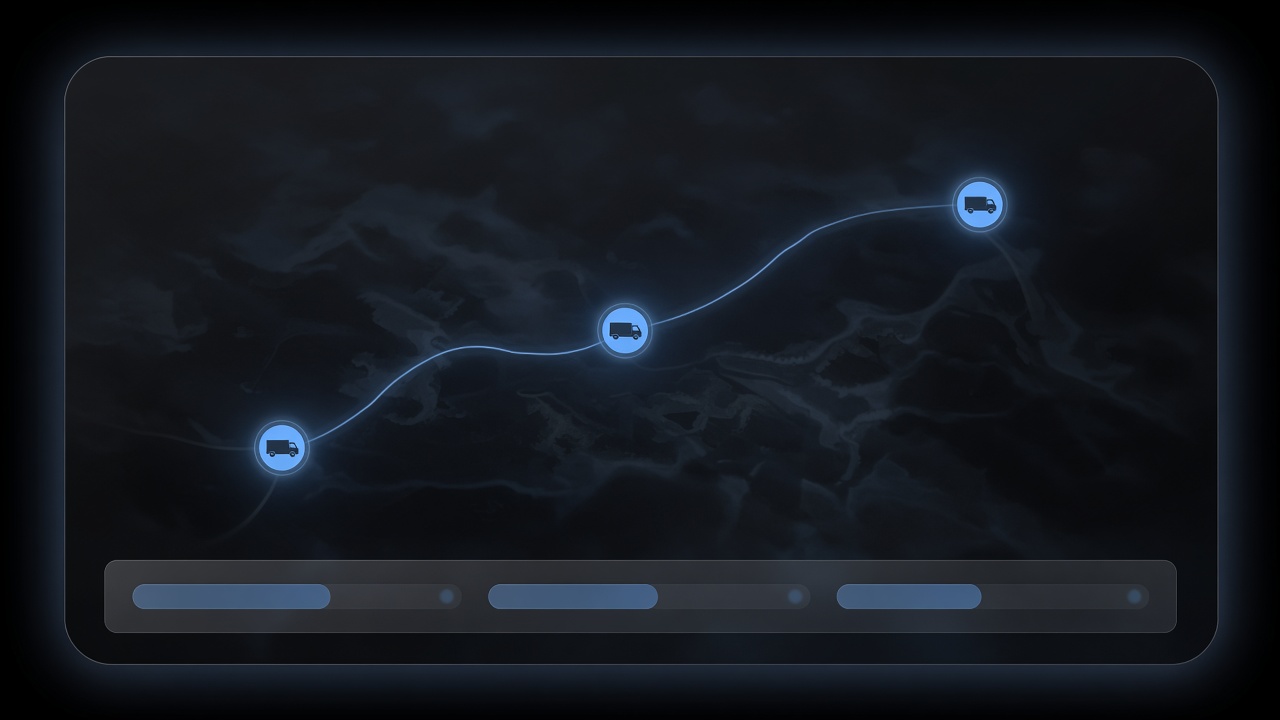
Every truck and assigned tech on one map so ops sees location without calling the field.
Keep every truck and van on the board so dispatch knows which unit is rolling before it assigns the next job. The driver and the tech are the same person on that HVAC job — fleet tracking for HVAC contractors, not a roster in a second app.
Shops that already compare fleet rooms look for a live map, historical routes, maintenance alerts, geofences, and GPS that reconciles to the job — ServiceTitan Fleet Pro–class outcomes, not a pin in a second app. We do not invent their specs. The gain is those pins on the same HVAC job the dispatcher applied, not a bolt-on fleet app the office reconciles later.
02Routes
Routes and service history
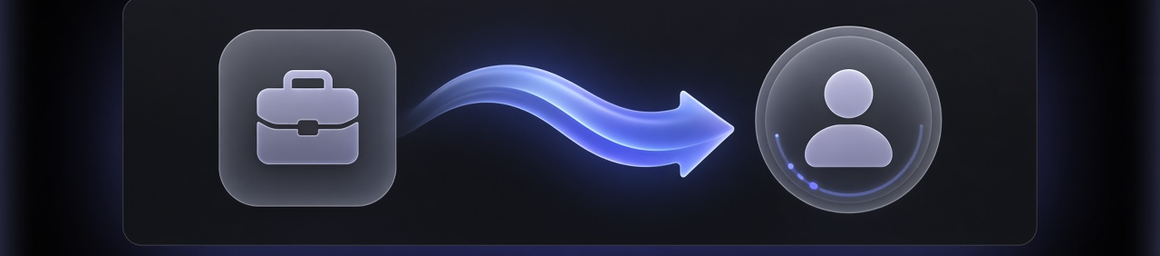
Replay the day's path and keep a vehicle service history beside the jobs that truck ran.
Build the day's route from applied dispatches so techs drive the work already promised, with drive-time next to the board — not a separate map someone redraws. Past visits and repairs on that truck or property pull into the next job so the tech is not guessing.
1Start from the jobFront office already wrote the HVAC job. Fleet does not open a second ticket.
2Read applied workThe day's route is built from dispatches a person applied — work already promised.
3Keep the historyPast visits and repairs on that truck or property sit beside the next stop.
A shortest line that ignores the promised window is a different product. This room sequences work the shop already said yes to, and keeps the vehicle's history on the same object.
What sits on the board, and what does not.
On the board
On this board
A redrawn map
Applied dispatches
A second list someone rebuilds at lunch
Historical route on the job
Breadcrumbs in a tool the office reconciles later
Vehicle service history
A shop binder the tech cannot open on site
A proposal a person applies
A route that moves before the shop says yes
If the route and the job diverge, the tech drives a plan the office cannot stand behind.
How a route reaches the truck.
On the board
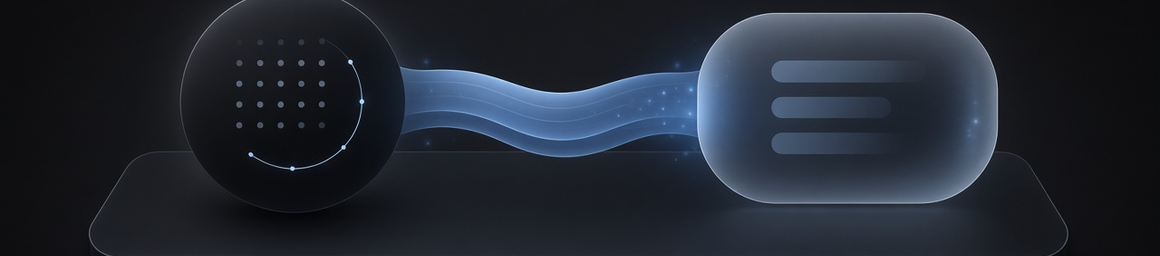
The front-office job is the object. The AI proposes a sequence. A person applies it. The truck runs that assignment — not a map that lived in another app.
Front-office jobthe visit already written
same record
AI dispatcherproposes the sequence
proposal
A personapplies it
applied dispatch
The truckruns that assignment
The route never applies itself.
Propose, then apply — the truck does not move on its own.
A route is a proposal. A person still applies the dispatch.
03Maintenance
Maintenance that prevents dead trucks
Alerts from usage, odometer, or engine hours so PM is scheduled before peak season fails.
Schedule truck PM and inspections beside field work so downtime does not surprise the dispatcher mid-day. When the vehicle carries an odometer or engine-hour reading, that usage raises the PM on the same record as the jobs that truck is supposed to run.
Schedule the inspection before miles eat the next no-cool day.
Engine hours
Catch idle-heavy vans that look fine on a calendar.
Usage on the job
Park the PM beside field work so downtime is visible to dispatch.
No reading yet
Still schedule truck PM and inspections on the same board.
We do not invent a sensor we have not verified. When the reading is on the vehicle, the alert belongs on the jobs that truck is supposed to run.
A dead truck is a no-cool the board cannot cover.
04Geofences
Geofences for jobs and the yard
Know when a van enters or leaves a job site or the yard — fewer “where are you?” texts.
A fence is useful only when it is the same address the front office already wrote. When configured, an enter or leave lands on that HVAC job, not on a pin the office has to match by hand.
Enter or leave the address front office already wrote.
Yard
Know when the van is home, not still 'on the way'.
The HVAC job
The event lands on the stop, not a side channel.
A person
Still the one who applies the next assignment.
Standalone GPS tools track pins. Shops still need those pins tied to the same jobs the dispatcher applies and back office pays.
A fence without the job is another pin the office matches later.
05GPS
GPS, timesheets, and job truth
Cross-check location against time entries and assignments before payroll, and flag mismatches early.
GPS that cannot see the job is a tracker. A timesheet that cannot see the pin is a guess. When the assignment and the location share one job, back office pays the day the dispatcher applied.
A spreadsheet match at payroll is the failure mode. When location, time, and assignment share one HVAC job, the mismatch shows up while the day can still be fixed.
Payroll truth is the applied assignment, not a reconstructed day.
06Telematics
Telematics when configured
Connect Samsara, Azuga, Motive, or Geotab when configured so live truck location and vehicle status sit on the same job board the dispatcher already uses.
Configured integrations feed the OS. This is not a telematics hardware catalog, and we do not invent connector parity or a feature list per vendor.
What fleet management software is for an HVAC shop, how history and PM land on the job, and what telematics does when configured.
What is HVAC fleet management software?
HVAC fleet management software keeps vehicles, routes, service history, and maintenance on the same job the dispatcher applied. It is not a bolt-on tracker the office reconciles later. A live map, historical routes, and telematics when configured sit next to the board. HVACSoftware.com is that OS room for the shop.
How does vehicle service history help dispatch?
Vehicle service history pulls past visits and repairs on that truck or property into the next job so the tech is not guessing what failed last time. Dispatch sees the same record the front office wrote. A shop binder the truck cannot open on site is not history the board can use.
How do maintenance alerts reduce downtime?
Maintenance alerts schedule truck PM and inspections beside field work so downtime does not surprise the dispatcher mid-day. When the vehicle carries an odometer or engine-hour reading, that usage can raise the PM before peak season fails a no-cool day. The alert lives on the jobs that truck is supposed to run.
Can GPS reconcile to timesheets and jobs?
GPS can reconcile to timesheets and jobs when location, the time entry, and the assignment share one HVAC job. Cross-check the pin against hours and the dispatch a person applied, and flag mismatches before payroll. A spreadsheet match at payday is the failure mode this room exists to catch.
Which telematics systems can connect (when configured)?
Connect Samsara, Azuga, Motive, or Geotab when configured so live truck location and vehicle status sit on the same job board the dispatcher already uses. Those boxes stay the class they already are. We do not claim native connector parity, and we do not invent a feature list per vendor.
How does fleet data relate to the AI Dispatcher board?
Location and capacity context feed the board the AI proposes. Fleet keeps the truck and the route on the same job front office wrote. A person still applies the day. Nothing rolls until the shop says yes — telematics informs where the board is, without replacing the apply gate.
10Book a demo
See trucks on the same job. Book a demo.
Walk through the live map, a route and history on the job, PM beside field work, and telematics when configured. A person still applies the day.
Who this is for
ResidentialKeep every van on the live map and let the day's route follow the jobs you already promised.
CommercialKeep geofences and drive-time next to the board so a long hop does not surprise the next stop.
EnterpriseGovern trucks across branches so GPS, timesheets, and the job stay one object.
What a demo covers5 rooms
Vehicles
Map
Every truck and assigned tech on one map.
Routes + history
Day
The day from applied dispatches, plus what that truck already ran.
Maintenance
PM
PM beside field work. Usage when the vehicle carries it.
Telematics
Live
Samsara, Azuga, Motive, or Geotab — when configured — on that board.
AI dispatcher
Brain
The AI proposes. A person still applies it.
Before you book
Do trucks live on the same board as the job, or in a second fleet app?
Can GPS see the timesheet and the assignment, or only a pin?