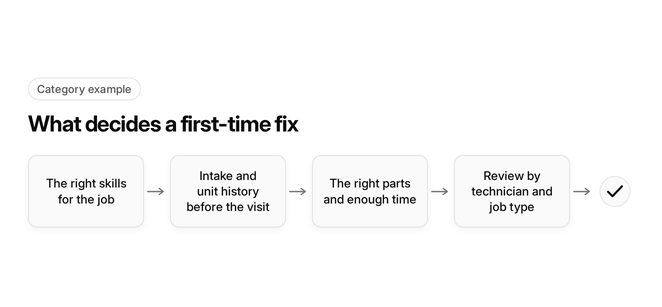
- The right skills for the job
- Intake and unit history before the visit
- The right parts and enough time
- Review by technician and job type
Improving your first-time fix rate, meaning the share of HVAC service calls resolved on the first visit without a callback or return trip, through better scheduling means sending the right technician, with the right equipment history and parts, to the right job before the truck rolls. The six scheduling moves below run in the order dispatch should apply them, and they end in a pre-dispatch rule set your office can use on every job.
By the HVAC Software editorial team. This site is published by FieldCamp. Last updated: November 14, 2026.
Key takeaways
- Assign by skill and certification first. Distance is a tiebreaker.
- The diagnosis starts on the booking call, not in the driveway.
- The technician should see the unit’s history before arrival, not after.
- Parts on the truck get checked against the job before it is assigned.
- Diagnostic work gets real time, and diagnose-first visits get their own tag.
- Read first-time fix rate by technician and job type, never as one shop-wide number.
For the skills side of this in depth, read skills-based technician matching. For the board where assignments get made, see the dispatch board.
Match the technician to the job by skills, not proximity
The nearest available technician is often not the one who can close the job on the first visit.
- Build a skills matrix: For every technician, record the equipment types, brands and job types they can resolve unassisted, such as furnaces, heat pumps and commercial rooftop units. Dispatch then has something concrete to match against, instead of relying on memory. The full method is in skills-based technician matching.
- Gate refrigerant work on certification: Treat refrigerant handling certification as a hard requirement for any job that may involve refrigerant. Use NATE certification as a signal of proven competence when choosing between qualified technicians for complex diagnostics.
- Weigh skill before distance: When two technicians are free, send the one whose skills match the job, even if the other is closer. A short drive that ends in a return trip costs more than a longer drive that ends in a fix.
Start the diagnosis on the booking call
A technician can’t arrive prepared if the office doesn’t know what is actually broken.
- Make the intake fields required: Require make, model, serial number and approximate equipment age before a job can be booked. The customer service rep is the first person who can make a first-time fix possible, or rule it out.
- Capture error codes and symptoms as reported: Record any blink code or thermostat error, plus the symptom in the caller’s own words, such as “runs but blows warm.” These details decide which skills, parts and time block the job needs.
- Ask who worked on it last: Note any prior repairs, especially by another company. Earlier part swaps and partial fixes change the likely cause, and the technician should know about them before opening the panel.
Send equipment history before the truck rolls
Intake tells the technician what the caller sees. Equipment history tells them what has already been tried.
- Push unit history to the technician’s phone at assignment: Past repairs, replaced parts, readings and notes on that specific unit should reach the technician when the job is assigned, so the visit can be planned on the way.
- Attach intake notes and photos to the job: Anything the office captured, including model plates, error codes and customer photos, belongs on the job record the technician opens. Re-asking the customer on arrival wastes time and loses detail.
- Flag repeat visits on the same unit: When a unit was serviced recently for a similar symptom, mark the job so dispatch considers a more senior technician. Repeat problems are where first-visit resolution most often breaks down.
Check parts on the truck before you dispatch
A missing part is one of the most preventable reasons a technician has to come back.
- Audit your recent completed calls: Review a recent batch of completed service calls to see which parts were actually used, by job type. Stock trucks from your real job mix rather than a generic list.
- Stock the usual failures deliberately: Capacitors, contactors, flame sensors, igniters and control boards show up again and again in HVAC repairs. Keep counts on every truck that handles those job types, and replenish against a minimum.
- Match truck stock to the job before assignment: Compare the parts the intake suggests with what is on the assigned truck. If the part isn’t there, reassign the job, schedule a supply stop, or book the visit as diagnose-first.
Build realistic time blocks
A rushed diagnosis produces guesses, and guesses produce callbacks.
- Size blocks by job type, not one default slot: A heat pump diagnostic and a maintenance visit don’t take the same time. Give each job type its own block length so technicians aren’t forced to cut a diagnosis short to stay on schedule.
- Don’t overbook diagnostic days: Limit how many open-ended diagnostic jobs one technician carries per day. Overbooking pushes technicians to swap the most likely part rather than confirm the actual fault.
- Leave float for runovers: Hold some unassigned time in each technician’s day for jobs that run long. When a fix takes longer than planned, the technician can finish it instead of leaving and coming back.
Separate diagnose-first visits and measure by technician and job type
If every return visit counts as a failure, you can’t tell a planned second visit from a missed fix.
- Tag diagnose-first visits at booking: When intake can’t pin down the fault, book the job as diagnose-first and tell the customer a second visit may be needed. Keep these visits out of your missed-fix count.
- Count true callbacks separately: A callback is a return to the same unit for the same problem after the job was marked complete. That is the number scheduling should drive down, so track it on its own.
- Review weekly by technician and job type: A shop-wide average can hide one technician who struggles with heat pumps, or one job type that is always under-stocked. Weekly breakdowns show where the next dispatch rule should go.
How do you calculate first-time fix rate?
Divide the jobs resolved on the first visit by the total jobs in the same period, then express the result as a share. Run the calculation once with diagnose-first visits excluded from total jobs and once with them included. The gap between the two shows how much of your return traffic is planned and how much is preventable.
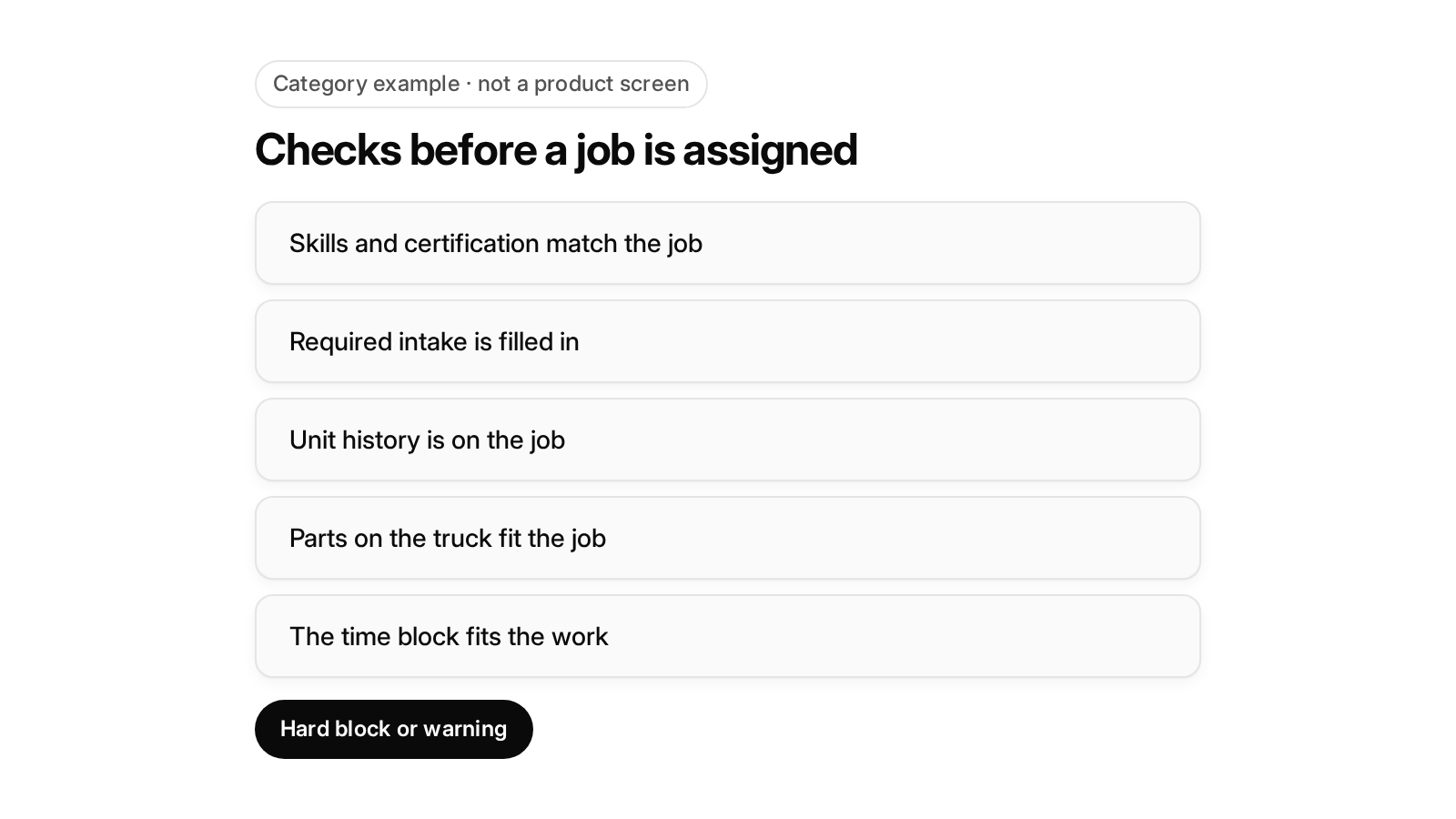
Diagram details
Category example · not a product screen
Checks before a job is assigned
- Skills and certification match the job
- Required intake is filled in
- Unit history is on the job
- Parts on the truck fit the job
- The time block fits the work
- Hard block or warning
The pre-dispatch rule set for common HVAC job types
Each section above becomes a check the dispatcher runs before a job is assigned. This rule set applies them to six common residential and light commercial job types.
Hard block means the job cannot be assigned until the check passes. Warning means the dispatcher can override but must record a reason. This is category guidance, not any one product.
| Job type | Required skill or certification | Intake fields to require | Parts to confirm on the truck | Time block | Diagnose-first? | Site and unit access notes |
|---|---|---|---|---|---|---|
| No-cool, residential split system | Cooling repair in skills matrix (hard block); refrigerant certification if refrigerant may be involved (hard block) | Make, model, serial, age, thermostat error, whether outdoor unit runs (warning if missing) | Capacitors and contactors that fit the unit (warning) | Standard repair block | No, unless symptoms are unclear | Side-yard or gate access; outdoor unit location |
| No-heat, furnace | Furnace repair in skills matrix (hard block) | Make, model, serial, age, blink or error code, ignition behavior (warning if missing) | Flame sensor, igniter, control board for that model family (warning) | Standard repair block | No if a code was captured; yes if not | Furnace location: attic, basement or closet |
| Heat pump diagnostic | Heat pump skill tier (hard block); refrigerant certification (hard block) | Make, model, serial, failing mode, error codes, prior repairs by another company | Capacitors, contactors, control board (warning) | Extended diagnostic block | Yes | Outdoor unit access |
| Commercial rooftop unit | Commercial rooftop qualification (hard block); refrigerant certification (hard block) | Site, unit ID from the equipment record, make, model, serial, error codes, reported symptom | Capacitors, contactors, control board for that unit model (warning) | Commercial block that includes on-site access time | Yes on a first visit to that unit | Rooftop access, gate codes, site permissions, on-site contact; property manager or tenant bill-to confirmed (hard block) |
| Refrigerant leak | Refrigerant certification (hard block) | Make, model, refrigerant type, prior recharge history | Recovery equipment and refrigerant for the unit’s type (hard block) | Extended diagnostic block | Yes | Access to both indoor and outdoor sections |
| Maintenance visit | Maintenance-qualified technician (warning) | Agreement terms, unit list for the site, last visit notes | Filters and agreement parts for every listed unit (warning) | Block sized to the number of units on the agreement | No | Unit locations for every listed unit; site access window |
What changes for commercial and multi-site jobs?
On commercial work, the job is often lost before diagnosis begins. A locked roof hatch, a missing gate code or an unclear bill-to can all end a visit early. Treat these as scheduling inputs:
- Pull the unit-level record, not just the site address: The job should name the specific unit, with its equipment history, so the technician goes straight to the right rooftop unit on a site with several.
- Confirm access before assignment: Gate codes, rooftop access and site permissions belong on the job record. A technician who can’t reach the unit can’t fix it on the first visit.
- Settle property manager versus tenant context up front: Know who authorizes and pays, so the technician isn’t stuck waiting for approval mid-repair.
Running residential and commercial work in one schedule only works when these fields exist for both kinds of job.
Where does FieldCamp fit?
FieldCamp fits contractors running residential and commercial work in one system, with a person still deciding the day. Here is what FieldCamp does today, and what to ask in a demo.
This site is published by FieldCamp.
- On the dispatch board: When your dispatcher drags a job onto a technician, the board checks skills, drive time and schedule conflicts, and the dispatcher confirms the assignment.
- For the customer: The customer gets a text when a job is assigned or moved.
- For the technician: A technician’s assigned jobs and schedule show on their phone.
- One record: Each job stays on one record from the first call to the paid invoice.
- Residential and Commercial Together: Residential service calls and commercial maintenance work run in one system, not two.
- Who decides: A person still decides the day. Assignment stays a decision the dispatcher makes.
- What to ask in the demo: This page does not describe, as FieldCamp features, equipment or customer history shown on the technician’s phone, certification matching beyond the skills check on a drag, parts or stock tracked on each truck, required intake fields by job type, diagnose-first job tags, callback tracking, first-time fix reporting by technician or job type, time blocks sized by job type, hard blocks or warnings before assignment, site access notes or property manager versus tenant bill-to checks on commercial jobs, appointment reminders, or any integration. Ask about each of those, and for each of those, whether it is available today, needs setup or a connected tool, is in a pilot, or is planned.
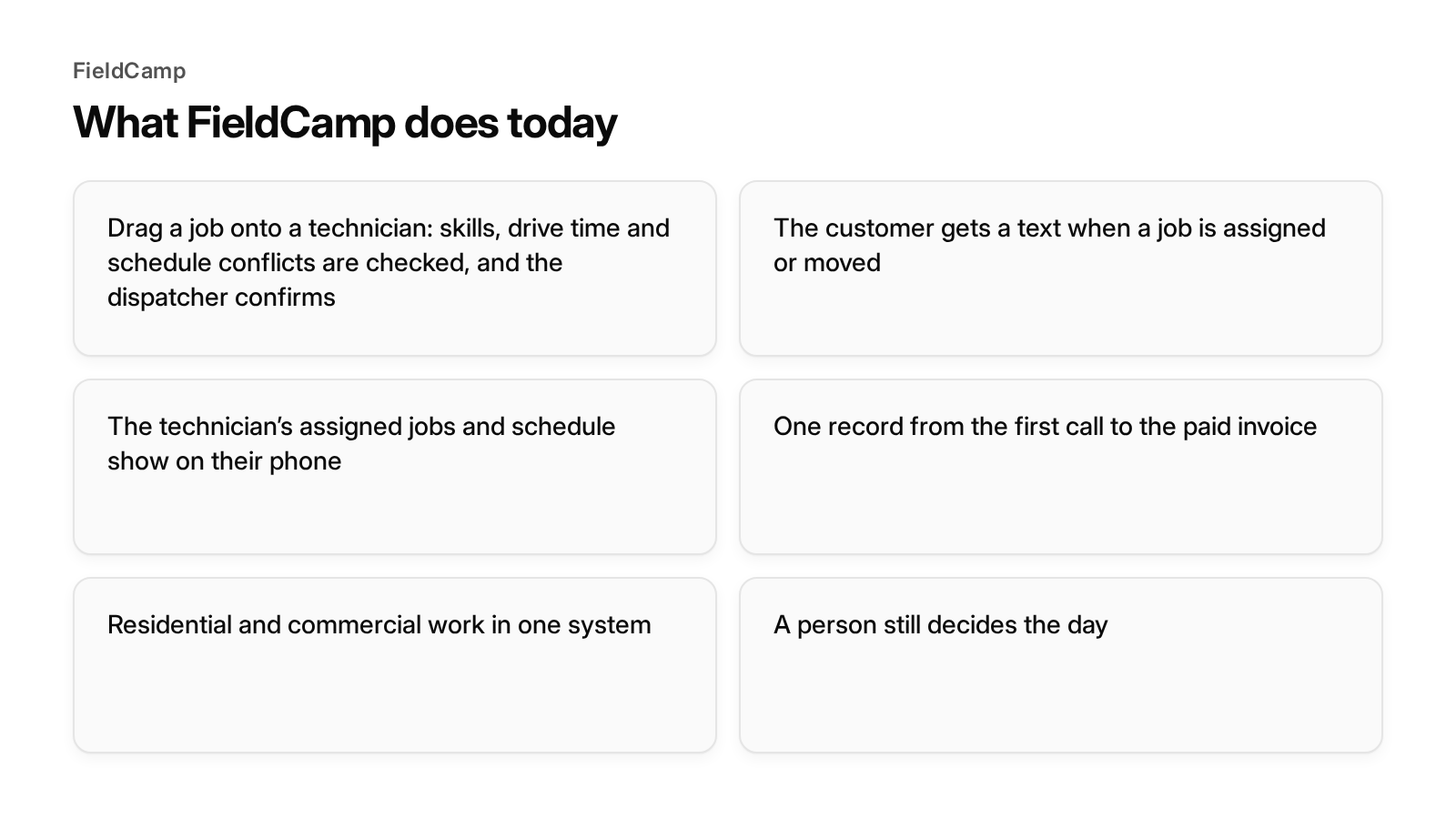
Diagram details
FieldCamp
What FieldCamp does today
- Drag a job onto a technician: skills, drive time and schedule conflicts are checked, and the dispatcher confirms
- The customer gets a text when a job is assigned or moved
- The technician’s assigned jobs and schedule show on their phone
- One record from the first call to the paid invoice
- Residential and commercial work in one system
- A person still decides the day
Book a demo and bring your current schedule to the demo.
Frequently asked questions
What is the first fix rate?
The first fix rate is the share of service calls resolved on the first visit, with no callback or return trip. For an HVAC company it shows how often the right technician arrived with the right information and parts.
What does FTFr mean?
FTFr stands for first-time fix rate. It is the same measure as the first fix rate: jobs finished on the first visit, compared with all jobs in the same period. Read it by technician and job type, and track diagnose-first visits separately.
What is the first time fix rate?
The first time fix rate is the share of eligible jobs completed on the first visit without a return trip to finish the original problem. Scheduling moves it because most missed fixes trace back to the wrong skills, missing intake details, missing history, missing parts or too little time on the job.
How does better scheduling improve first-time fix rate?
Better scheduling decides, before the truck rolls, who goes, what they know and what they carry. Match the technician’s skills to the job, require intake details at booking, send unit history to the technician, check parts against the job and give diagnostics a realistic time block. Then review results weekly by technician and job type.
Final recommendation
Treat first-time fix rate as a scheduling result. Match skills before distance, require intake before booking, put unit history in the technician’s hands, check parts against the job, give diagnostics real time, and review the numbers by technician and job type. Then compare any dispatch tool on whether it supports each check, and ask for each one in a demo.