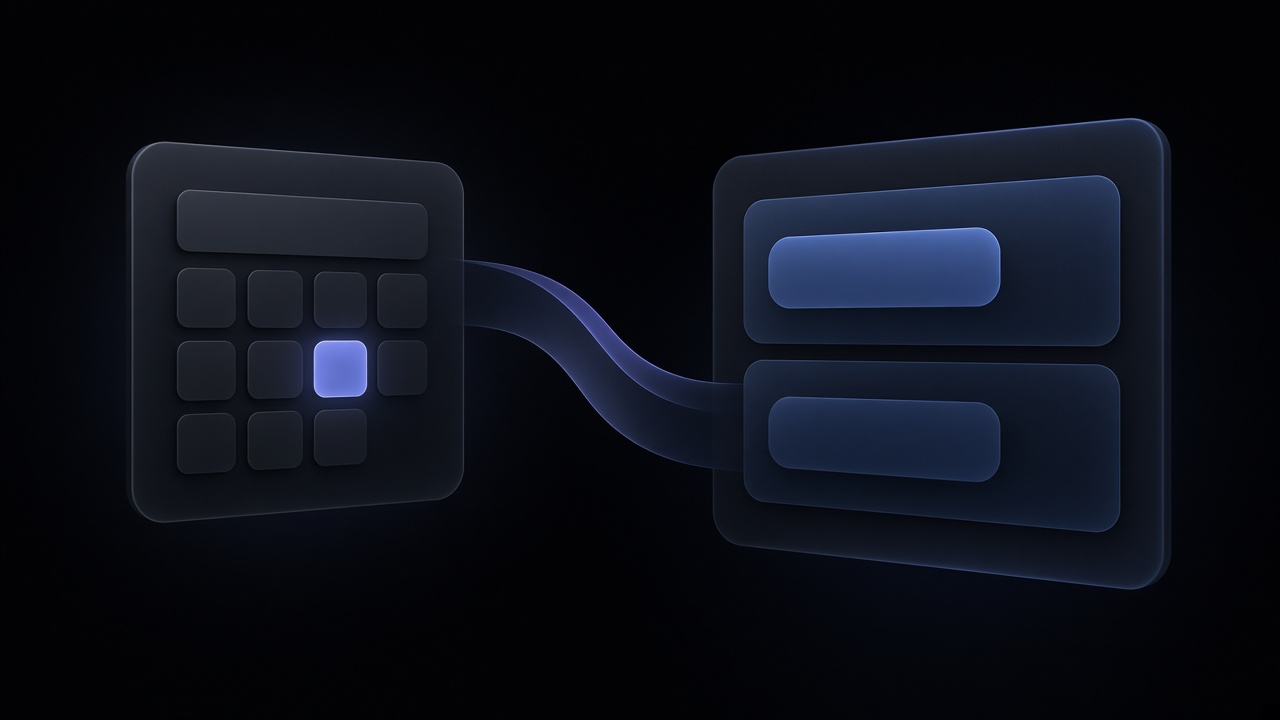
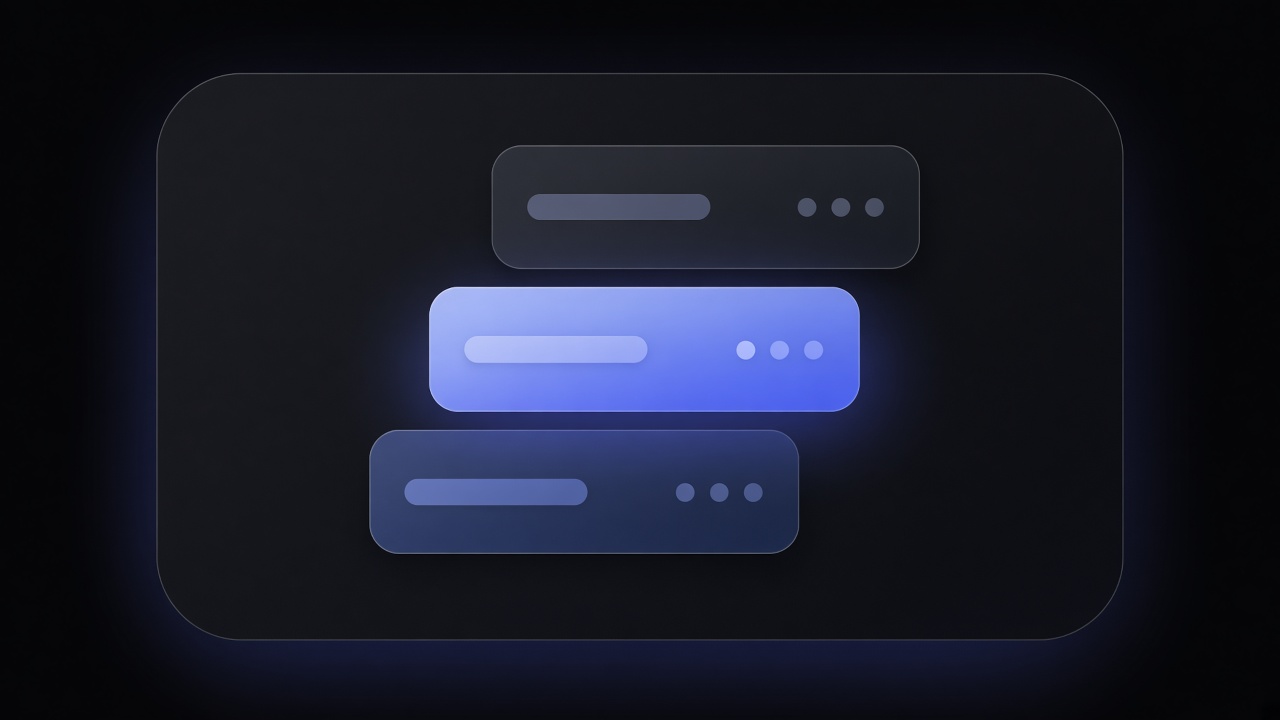
Build good / better / best options on the job, then turn the accepted option into an invoice without retyping line items.
HVAC software
Front office. Back office. One HVAC AI OS.
Run intake, dispatch, quoting, memberships, marketing, and fleet on one operating system — the same job the office books is the job the truck runs.
AI Dispatcher is listed on Microsoft Marketplace.
Front
Inbox, AI CSR, IVR, and booking on one intake
Brain
The AI dispatcher proposes. A person still owns the board
Back
GBB quotes, memberships, workflows, and the money
The operating system, not a feature count.
01Front office
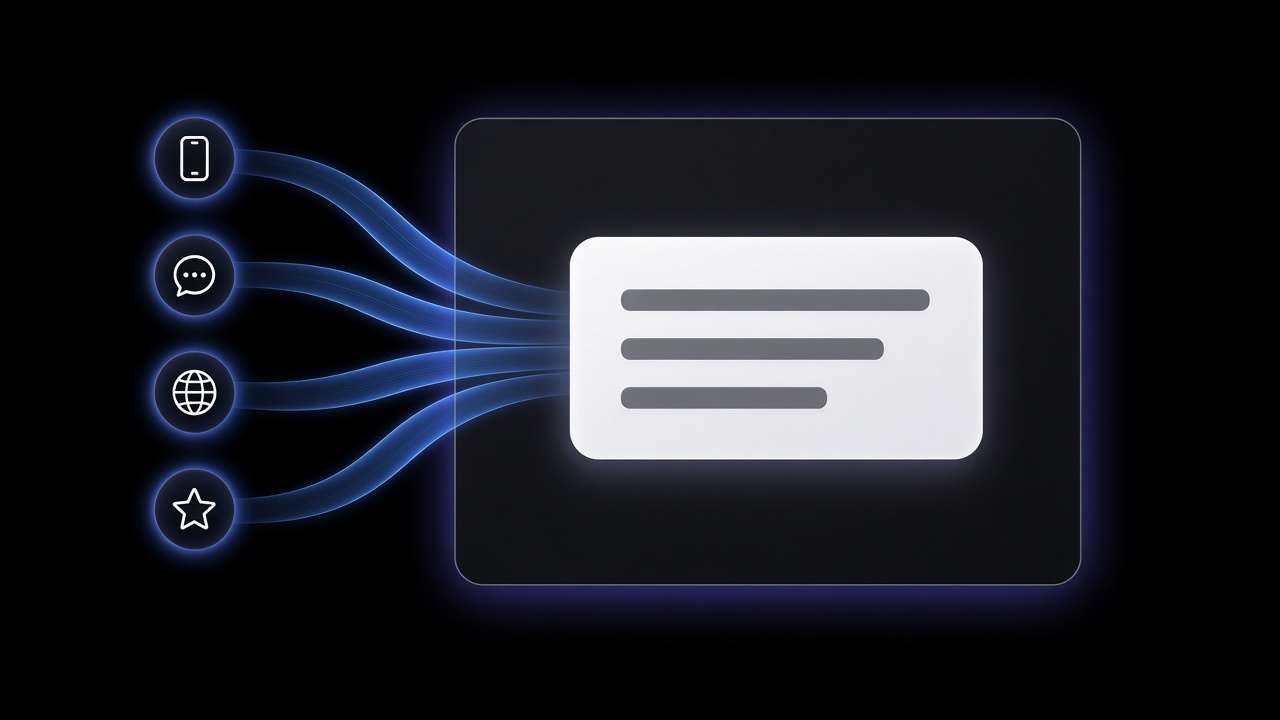
Every call, chat, and booking lands in one intake.
Unified Inbox, an AI CSR, IVR, and online booking all write into the same HVAC job — so dispatch and the truck never chase a lead that lived in a side channel.
Unified Inbox
Bring Angi, website forms, texts, and email into one queue so the office works every lead in one place instead of hunting missed threads.
AI CSR
Let voice agents take the first pass: who is calling, what is on the property, and whether it is a membership visit — then hand a clean job to a person.
IVR
Route no-cools, memberships, and after-hours inside the OS so the shop does not run a separate phone stack it has to reconcile later.
Online booking
Let customers book a window that becomes a real job on the board, with the property already attached — not a calendar invite someone retypes.
02The brain
The AI dispatcher is the brain of the OS.
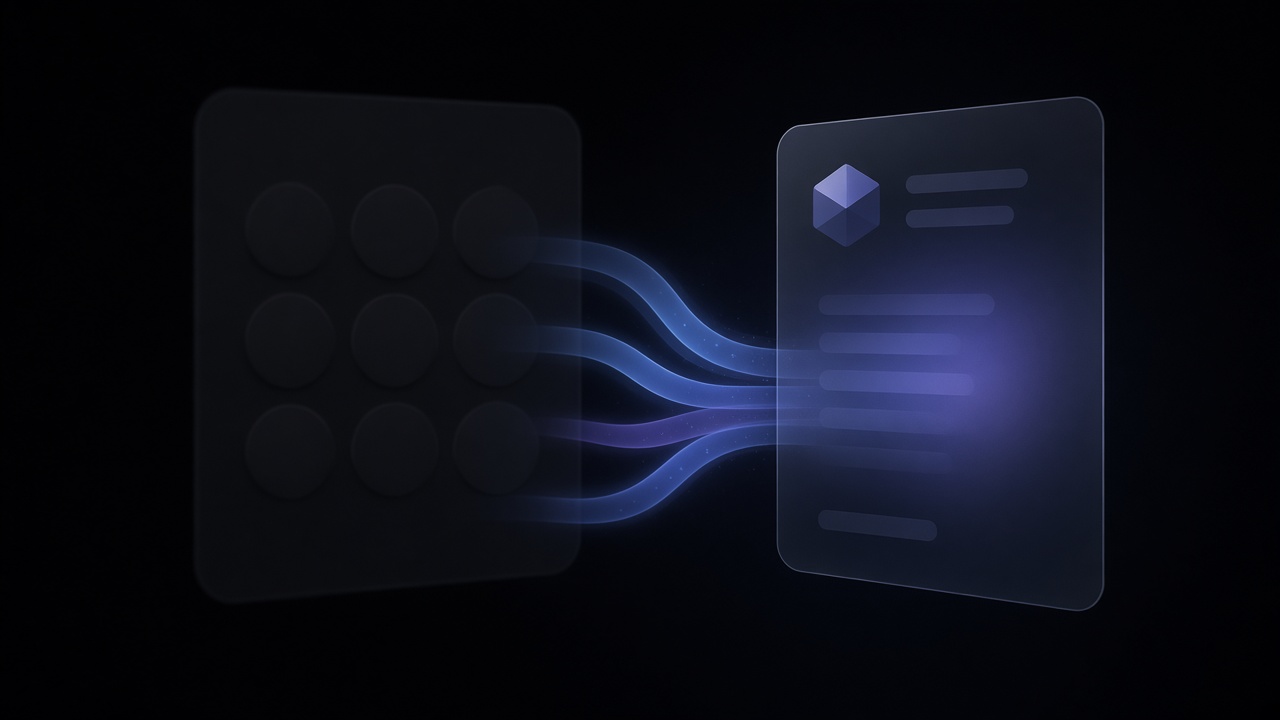
Front office intake lands the job. The AI dispatcher proposes who takes which job and when; a person still applies the dispatch so back office and the truck run the same assignment.
Who
Match the visit to a tech who is free, in zone, and cleared for that work — then propose the name instead of guessing from a whiteboard.
When
Fit the visit into a real open slot on that tech’s day so the promise time is something the shop can keep.
Which job
Keep the same job record from intake through the truck — no second ticket reinvented in dispatch.
Apply
A person accepts the proposal so nothing goes to the field until the shop says yes.
The AI dispatcher proposes who, when, and which job. A person still applies the dispatch.
03Back office
Back office runs on the dispatch the brain applied.
The assignment someone applied is the job the books run — quote, invoice, membership, and workflows stay on that same record. AI agents handle internal ops on the same OS, not a second product.

Workflows
Auto-send customer notifications and internal tasks when a job moves status, so the office is not chasing every update by hand.

Memberships
Track maintenance plans on the property so due visits and member pricing pull into the next job automatically.
AI agents (internal)
Have agents review timesheets and expenses against the job so managers only touch exceptions.
04Marketing
Campaigns run on HVAC shop segments.
Unsold estimates and due maintenance are lists the shop already has. Email, SMS, and outbound voice agents work those lists and write activity back to the same job — not a Mailchimp silo.
Build lists from unsold estimates, due memberships, and cold customers so every campaign starts from real shop data.
Send follow-ups on those segments (estimate reminders, seasonal tune-ups) that stay tied to the customer and job record.
Text the same segments for short nudges — confirmations, “still interested?” — without a separate texting tool.
Outbound voice agents call unsold estimates and overdue maintenance lists, so the shop doesn’t dial those lists by hand.
05Fleet
Fleet runs on the same jobs the dispatcher applied.
Trucks, routes, and service history stay on the HVAC job — not a bolt-on fleet app the office reconciles later.
Vehicles
Keep every truck and van on the board so dispatch knows which unit is rolling before it assigns the next job.
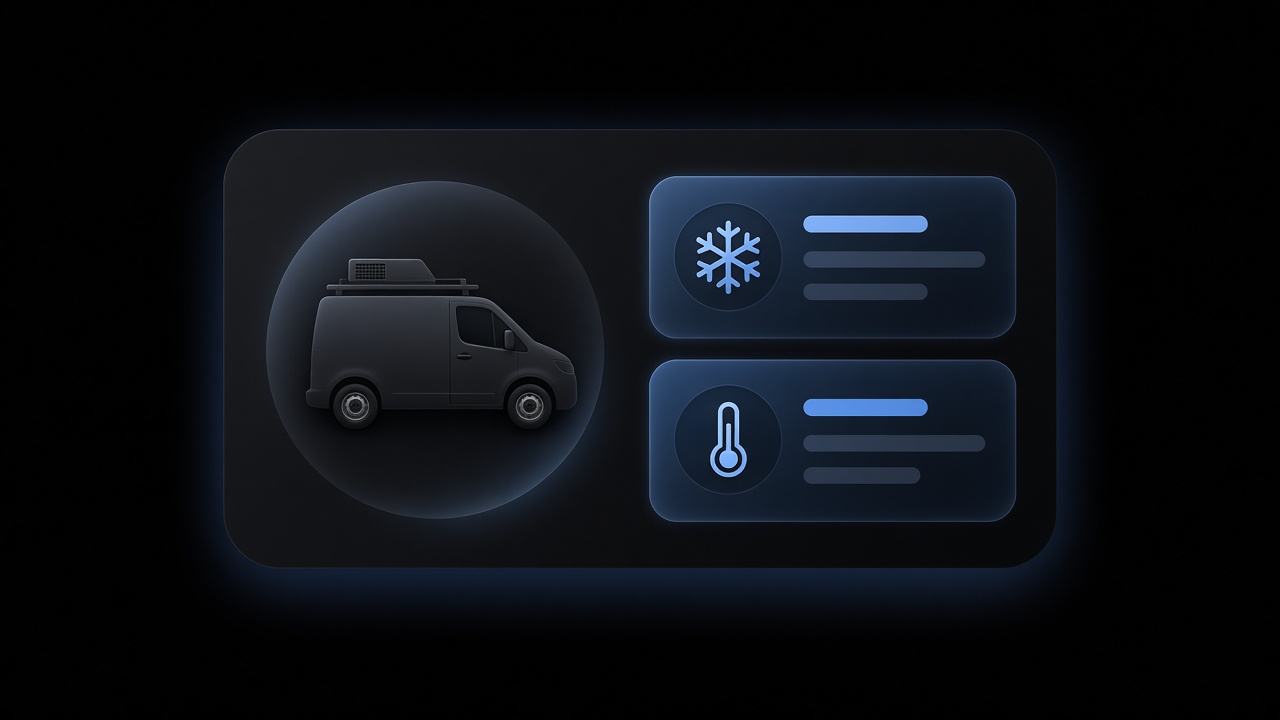
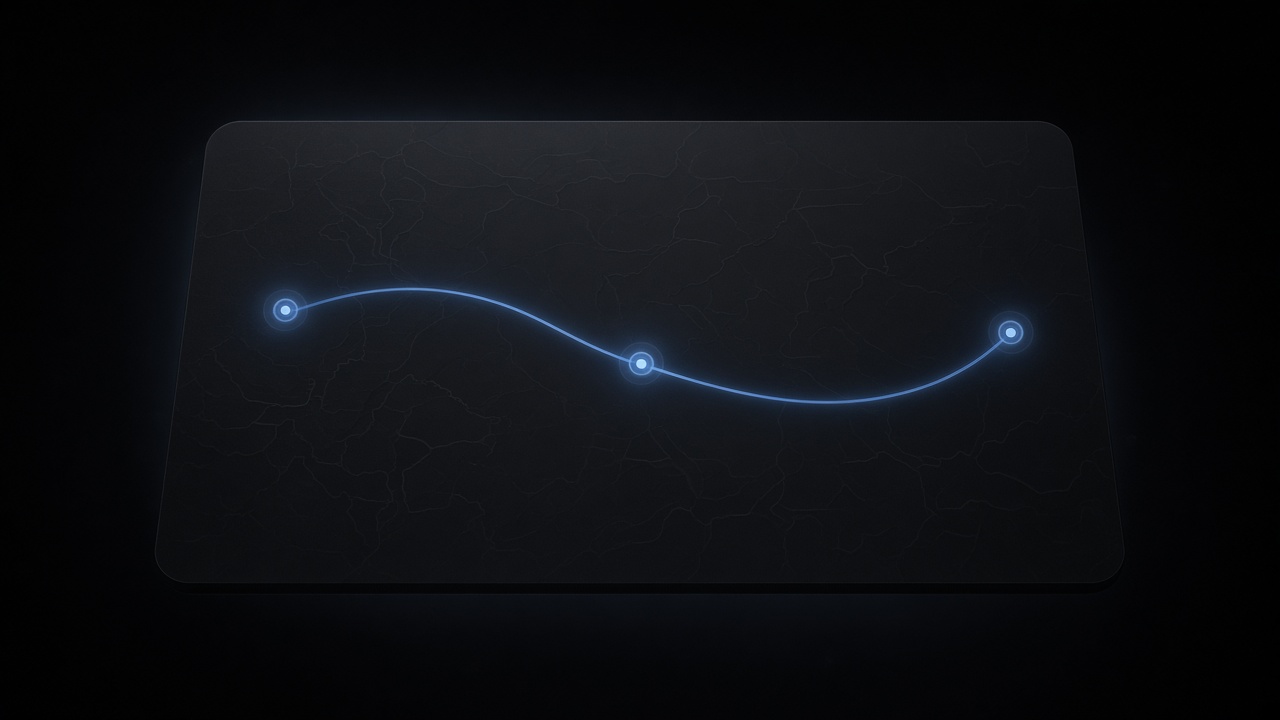
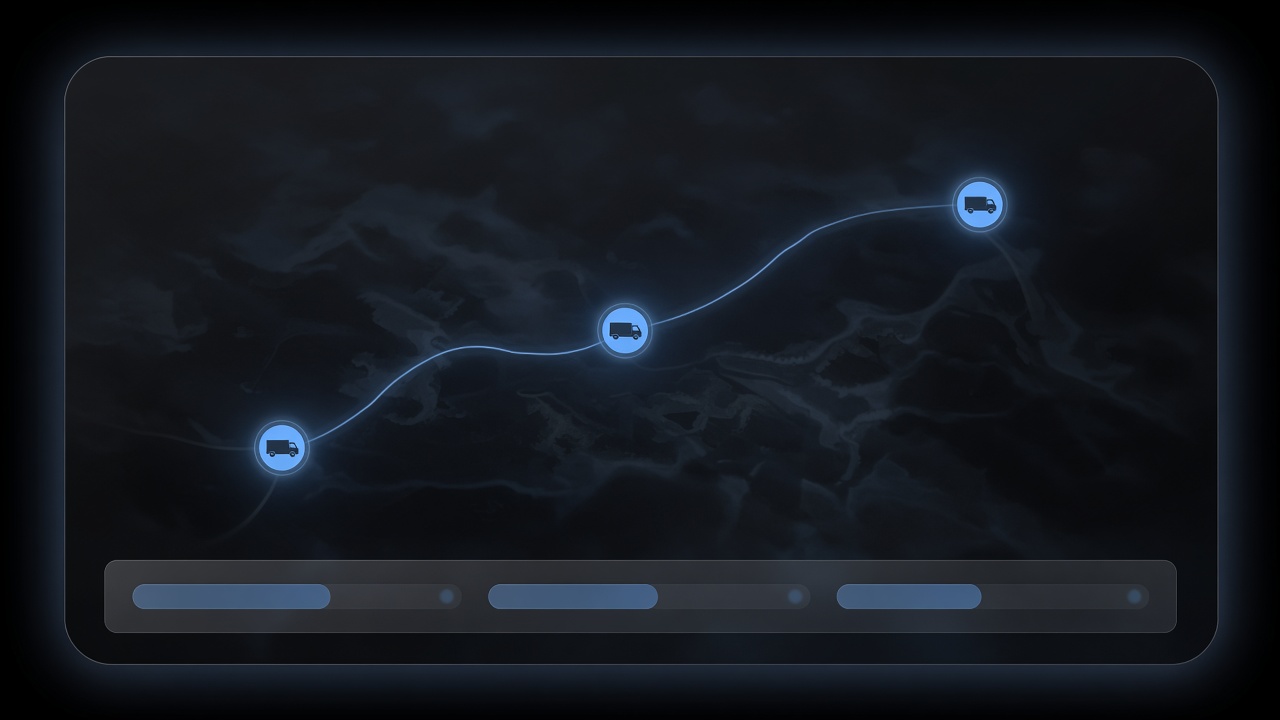
Build the day's route from applied dispatches so techs drive the work already promised, not a separate map someone redraws.
Pull past visits and repairs on that truck/property into the next job so the tech is not guessing what failed last time.
Schedule truck PM and inspections beside field work so fleet downtime does not surprise the dispatcher mid-day.
Telematics
Connect Samsara, Azuga, Motive, or Geotab when configured so live truck location and vehicle status sit on the same job board the dispatcher already uses.
06Who it's for
Built for the shop you run — residential, commercial, or multi-location.
Same OS across three lanes. The difference is how the shop is structured, not a second product.
One board
Residential
Run the whole shop when you've outgrown a simple schedule-and-invoice tool — intake, dispatch, memberships, and campaigns on one board.
Objects and workflows
Commercial
Shape objects and workflows to match how your commercial HVAC jobs actually run — not a rigid template you work around.
Multi-location · Governance
Enterprise
Govern multiple branches with unified intake, shared pricebook, and one view of work across locations.
Residential, commercial, enterprise — one HVAC AI OS for the office and the truck.
07HVAC software, answered
The HVAC AI OS, answered.
What the operating system is, who runs Front → Dispatcher → Back, and how to book a demo.
What is HVAC software?
HVAC software here is the AI operating system a contractor uses to run the shop: Front office intake, an AI dispatcher, Back office quotes and memberships, marketing, and fleet. It is one system for the office and the truck, not a calendar with extra tabs. HVACSoftware.com is that OS.
Is this the same as FieldCamp?
HVACSoftware.com is HVAC contractor software by FieldCamp. FieldCamp is the parent company. This site is the trade front for HVAC shops.
What does the AI dispatcher do?
Let the AI dispatcher propose who takes which job and when, then have a person apply it so the truck runs the same assignment the office booked. The AI Dispatcher is listed on Microsoft Marketplace.
Who is this for?
Three lanes on one OS. Residential shops run intake, dispatch, memberships, and campaigns on one board. Commercial shops shape objects and workflows to match the job. Enterprise shops govern multiple branches with unified intake and a shared pricebook.
Do marketing and fleet sit on the same OS?
Build segments from unsold estimates and due maintenance, and keep trucks on the same jobs the dispatcher applied — marketing and fleet are rooms on the OS, not bolt-ons.
How do we book a demo?
Book a demo. The button opens a calendar for a walkthrough of Front office, the AI dispatcher, and Back office. One conversation — not a self-serve signup.
08Book a demo
See the OS. Book a demo.
A demo walks Front office, the AI dispatcher, and Back office. One conversation on the calendar — not a self-serve signup.
Who this is for
- ResidentialRun intake, dispatch, memberships, and campaigns on one board.
- CommercialShape objects and workflows to match how commercial HVAC jobs actually run.
- EnterpriseGovern multiple branches with unified intake and a shared pricebook.
What a demo covers4 rooms
- Front office
Intake
Inbox, AI CSR, a call flow, and a booking that is already a job.
- The dispatcher
Brain
The AI proposes the next assignment. A person still applies it.
- Back office
Money
Good / better / best, a membership, a workflow. The invoice on the same record.
- Marketing · Fleet
Reach
A segment off the shop record, and the trucks as objects on the day.
Before you book
- Residential, commercial, or multi-location?
- What do you run today — a simple schedule-and-invoice tool, or something else?
- What breaks first — intake, dispatch, or the money?